JADA HELP
How to prepare Express Flyer artwork for printing
Export a single print-ready flyer PDF, protect text from the cut edge and learn what a 9-up Express Flyer sheet means.
-
Export a single flyer at its finished size
Choose the Express Flyer size before exporting. Send one flyer design rather than arranging several copies yourself. If the flyer is two-sided, check that front and back match in size and orientation.
-
Leave breathing room inside the cut edge
Move dates, phone numbers and logos away from the trim edge. Open the file and zoom in to check that small text remains sharp and every detail is readable.
-
What 9-up means
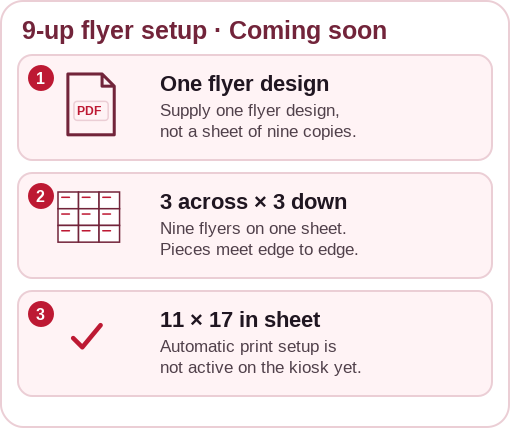
Nine flyers fit three across and three down on an 11 by 17 inch sheet. The pieces share cut lines so there is no gap to trim away. Automatic setup on the kiosk is coming soon.
-
Send the job at the Fairview kiosk
Tap Place an Order, then Flyers to see the options. To attach artwork or order today, use the current order form at the kiosk.