JADA HELP
Banking & Payment Help
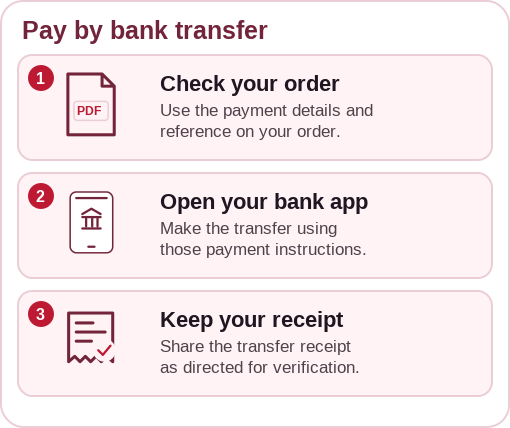
T/T means telegraphic transfer: an electronic transfer of money from one bank account to another. Here is how to pay JamaicaPrint by bank transfer.
-
Open Payment Information from your order
Use the checkout or payment link for your own order. Open the Payment Information section to see the instructions and amount that apply to that order.
-
Choose T/T (bank transfer)
If your checkout lists T/T, use the Scotiabank payment instructions shown for your order. Check the payee, amount and any order reference before sending.
-
Submit your transfer confirmation
Save the confirmation or receipt from your bank. Return to your order and follow its instructions for submitting proof of payment. If you cannot see the payment instructions or your link no longer works, contact the JamaicaPrint team before sending money.
Already in checkout? Return to the Payment Information section for the bank details for your order. This public guide does not show your order or bank reference.